Five designer guides. One click each.
Employees don’t read a benefits PDF that looks like a benefits PDF. BART composes the whole guide from the same case data — plans, rates, eligibility, enrollment steps — in the art direction you pick.
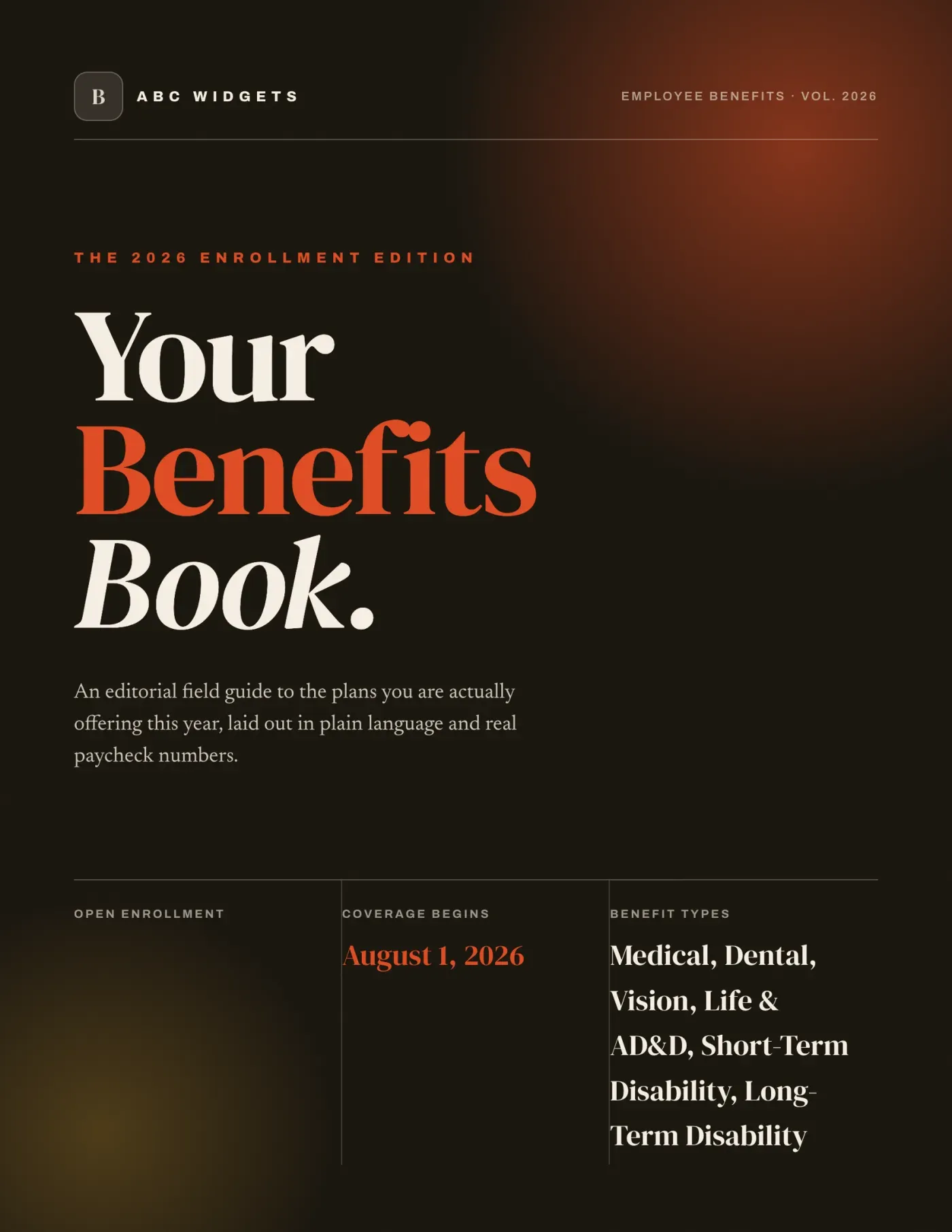
Editorial Bold
Magazine-style, high contrast
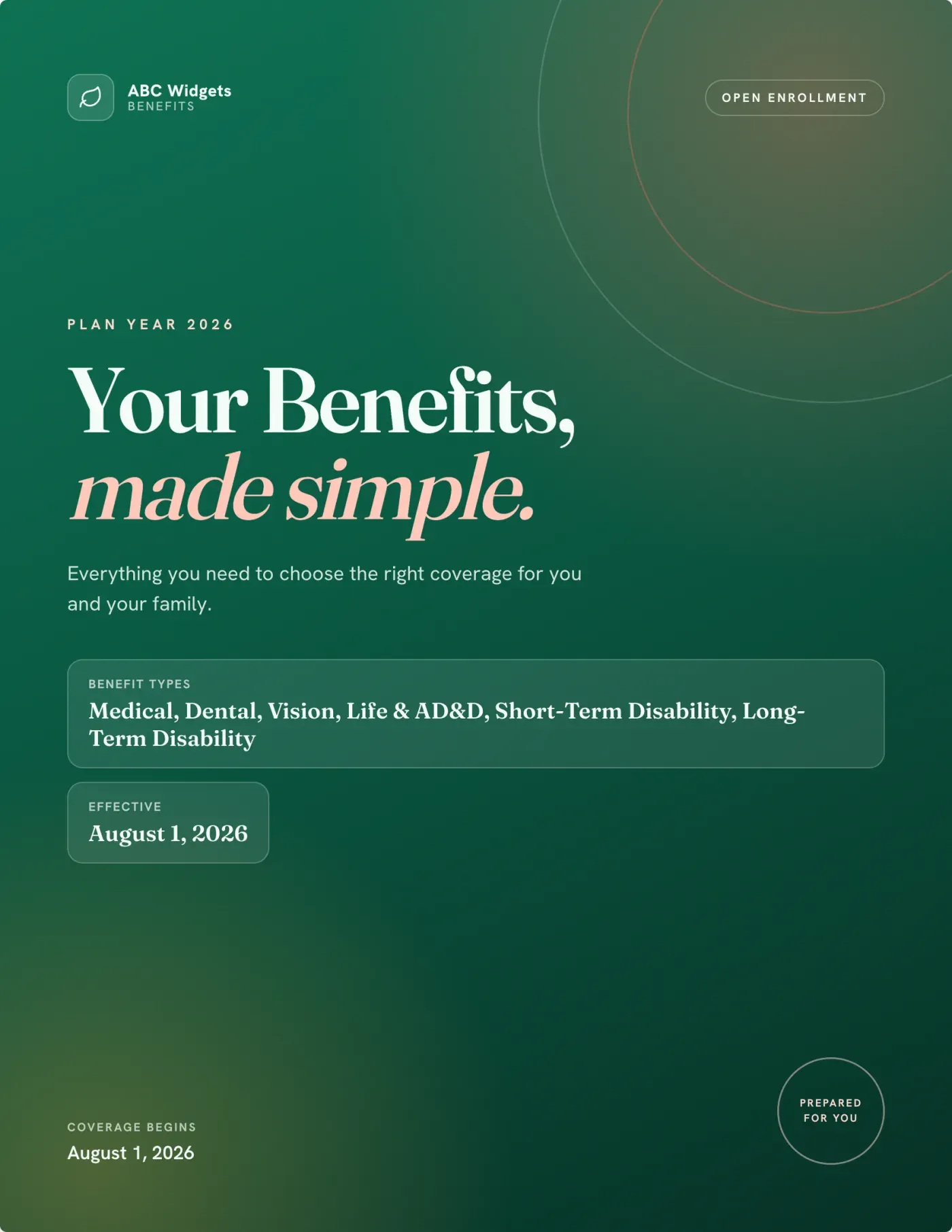
Modern Clean
Soft gradient, approachable
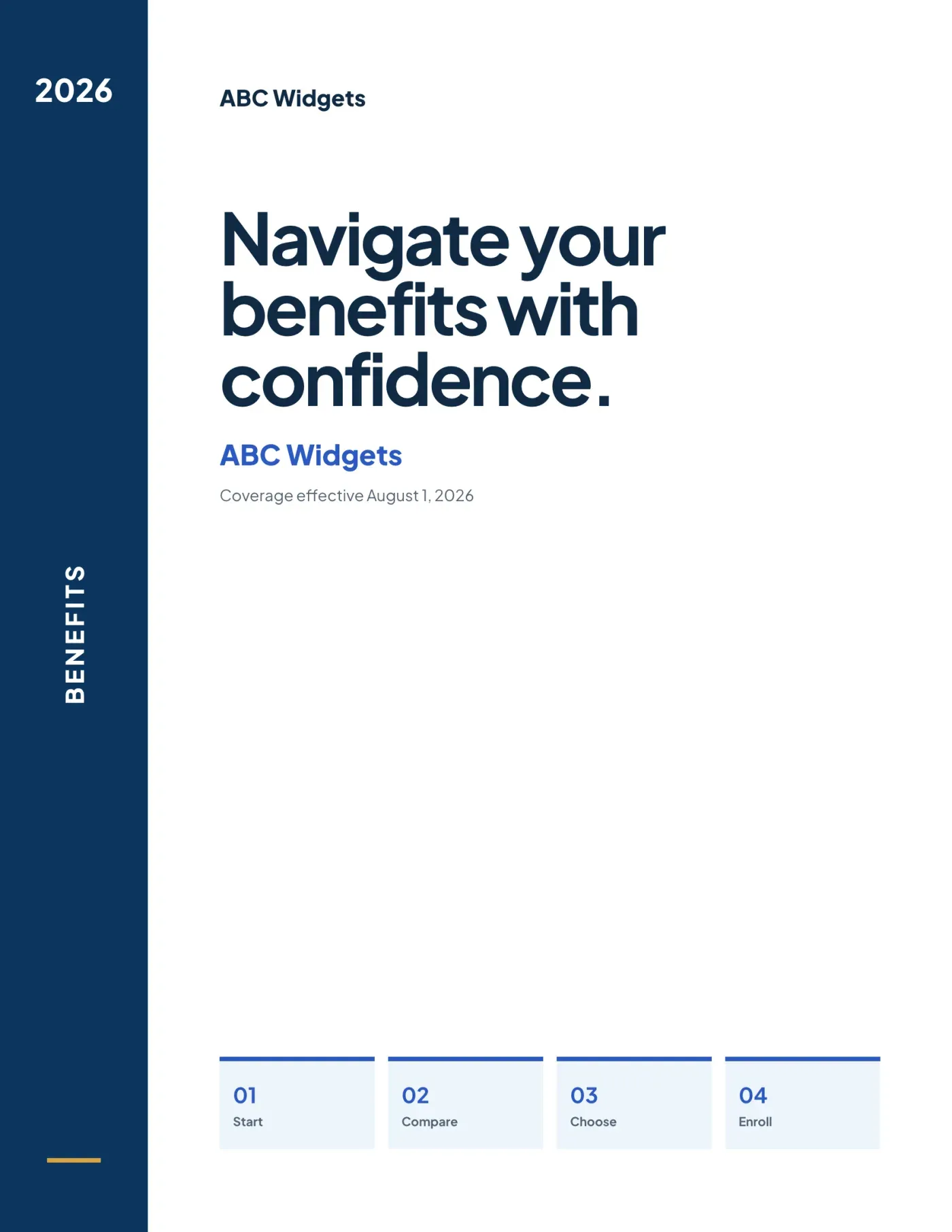
Blue Navigator
Structured, corporate
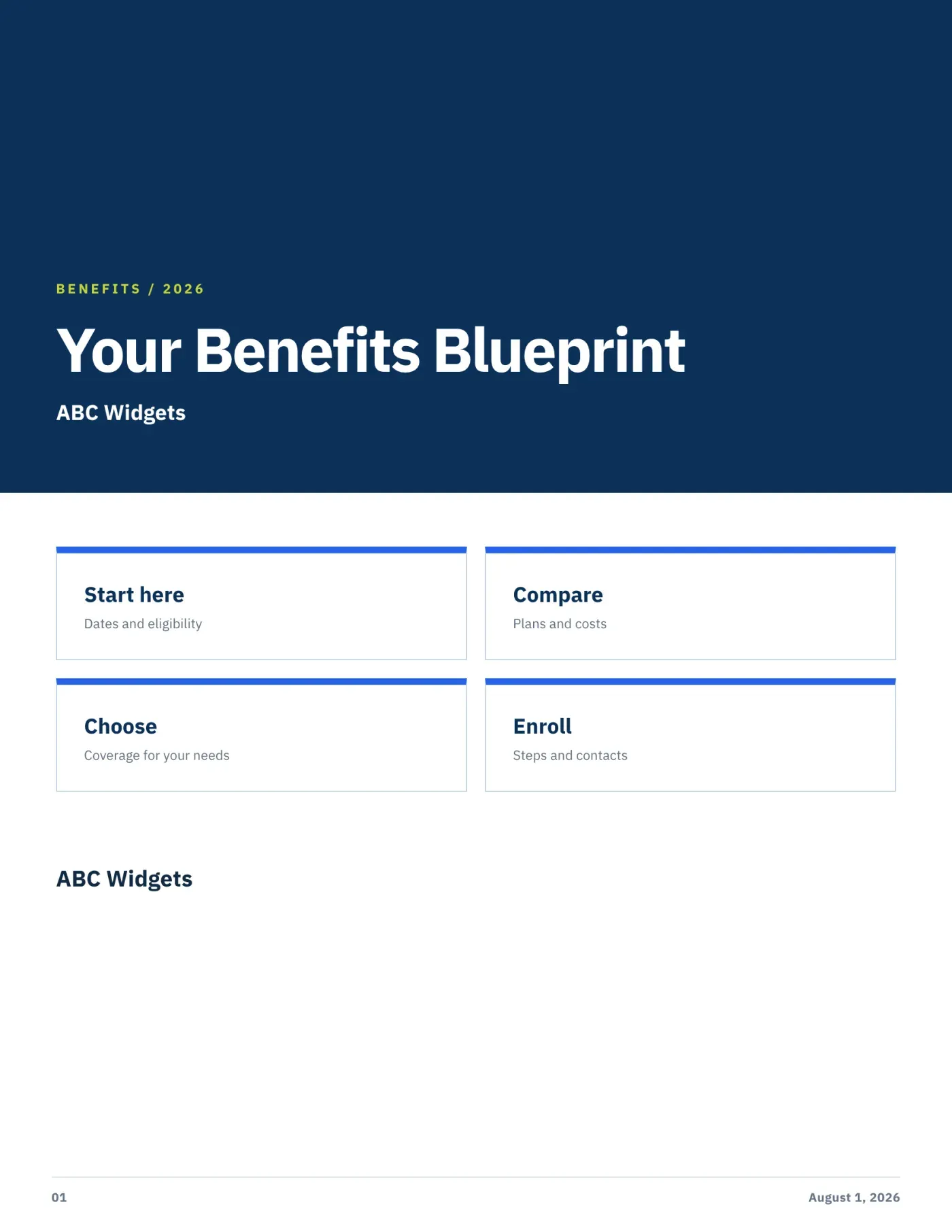
Modular Blueprint
Grid-led, information-first
Plus Editorial Cobalt — or override the primary and accent colors with the agency’s own.
Written for employees, not for underwriters
Side-by-side plan spreads, plain-language enrollment steps, eligibility and notices — pulled straight from the case, so the guide can’t drift out of sync with the proposal.
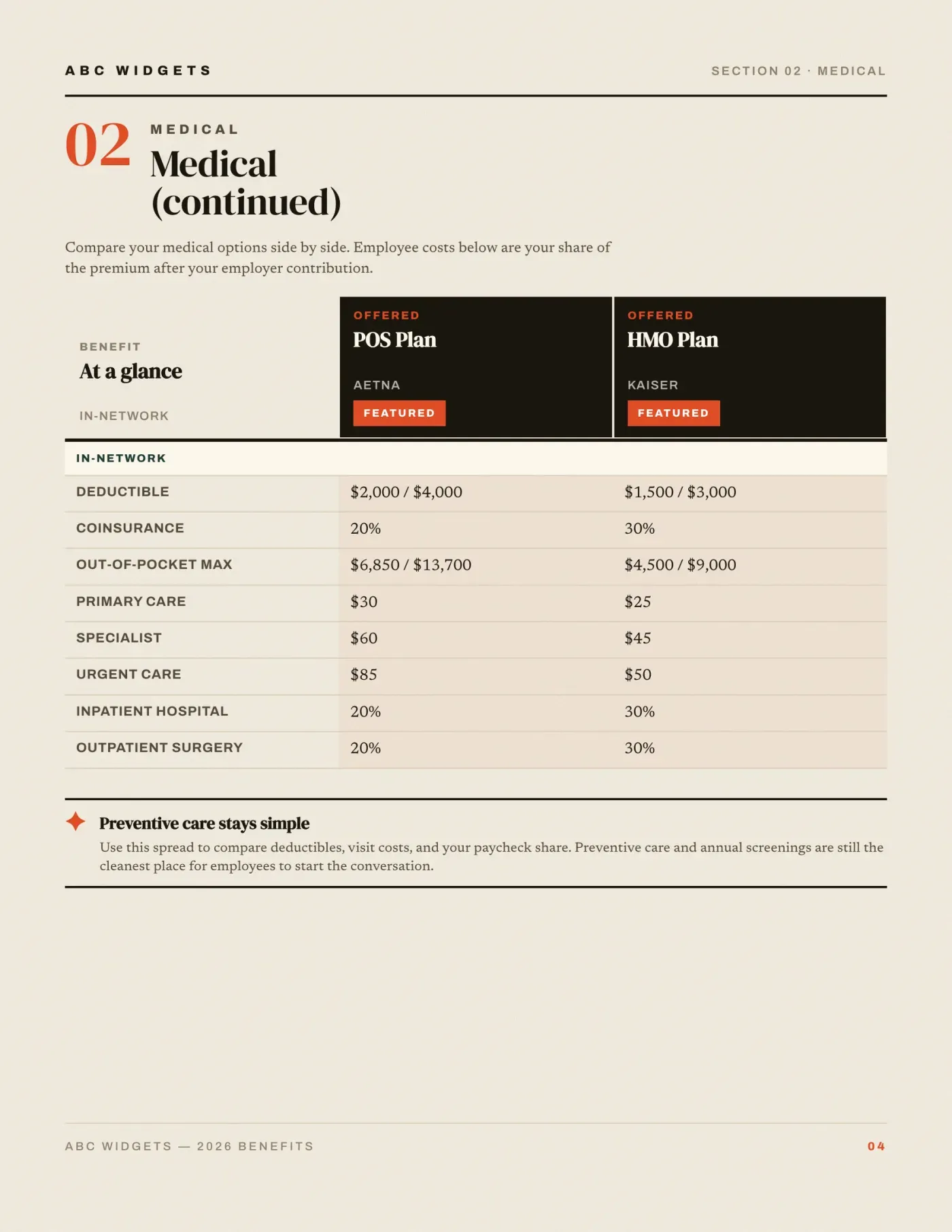
Plans, side by side
Featured plans with deductible, out-of-pocket max and visit costs in a single glance.
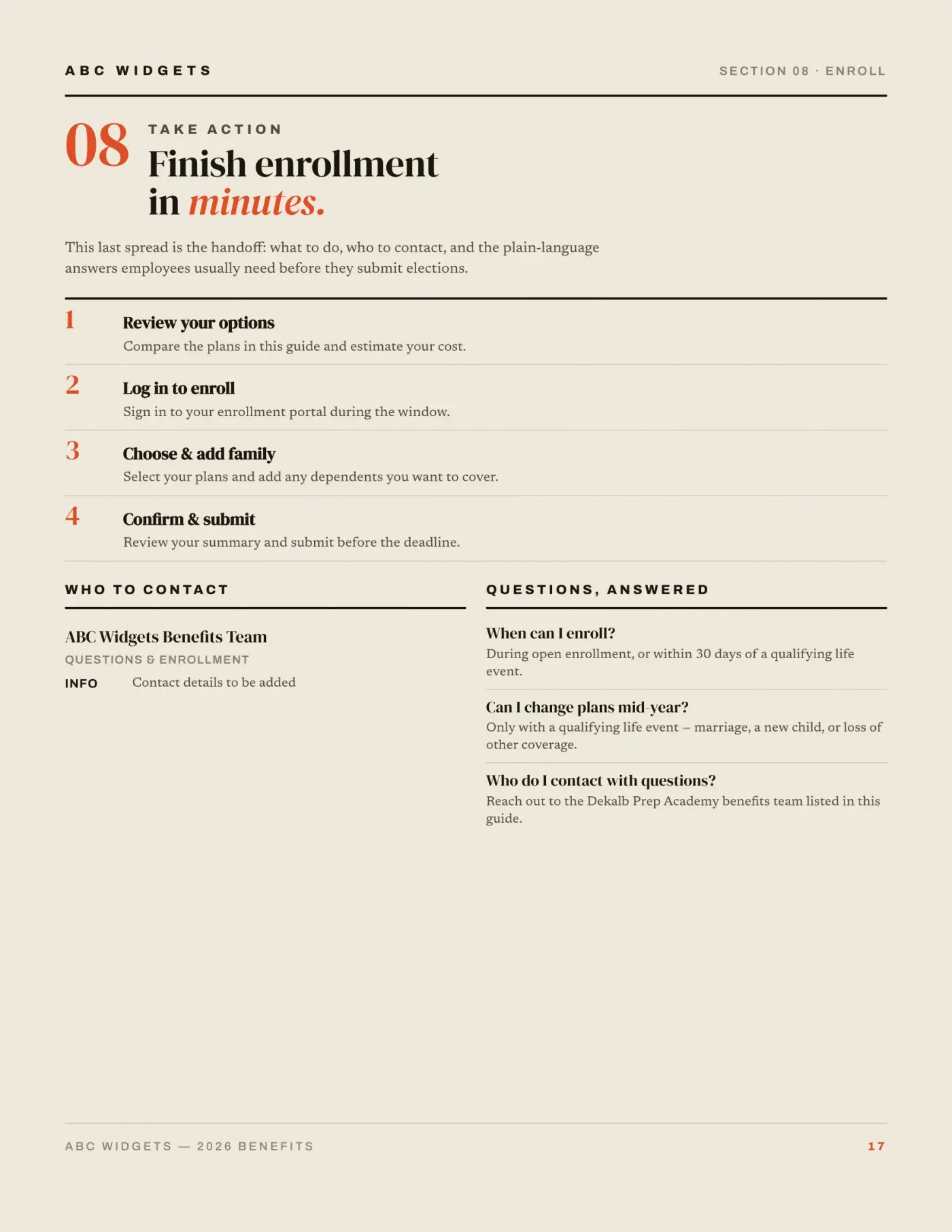
How to enroll
Numbered steps, your enrollment portal, your deadline, your benefits contact.
Spreads shown are from a sample case. Section count varies with the lines of coverage in yours.
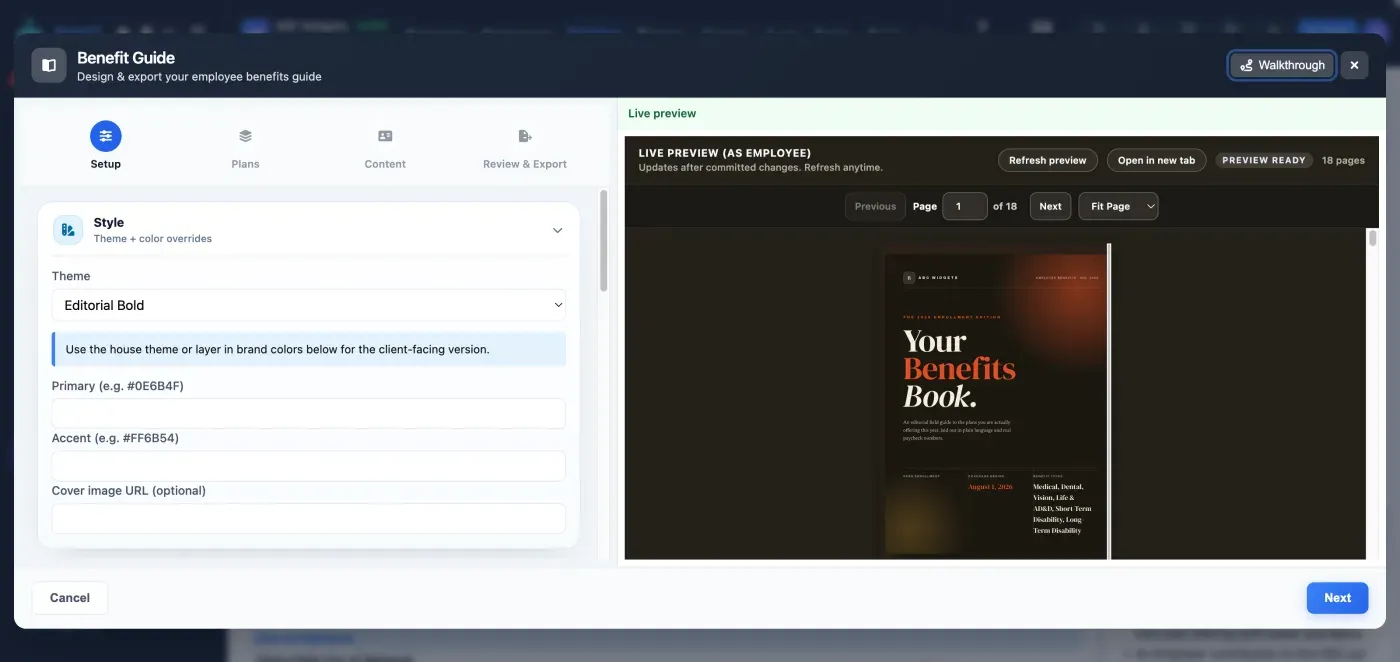
Preview it exactly as the employee will see it
Theme + brand overrides
Use the house theme, or drop in the client’s primary and accent colors and a cover image.
Pick the plans
Choose which quoted plans appear in the guide and which one is featured.
Edit the words
Eligibility, enrollment steps, contacts, FAQs and plan notices are all editable copy.
Export or publish
A PDF to hand out, or a link employees can open on their phone.
Both books. Same case. Zero rework.
Build the case once — BART produces the broker-facing proposal and the employee-facing guide from it.