1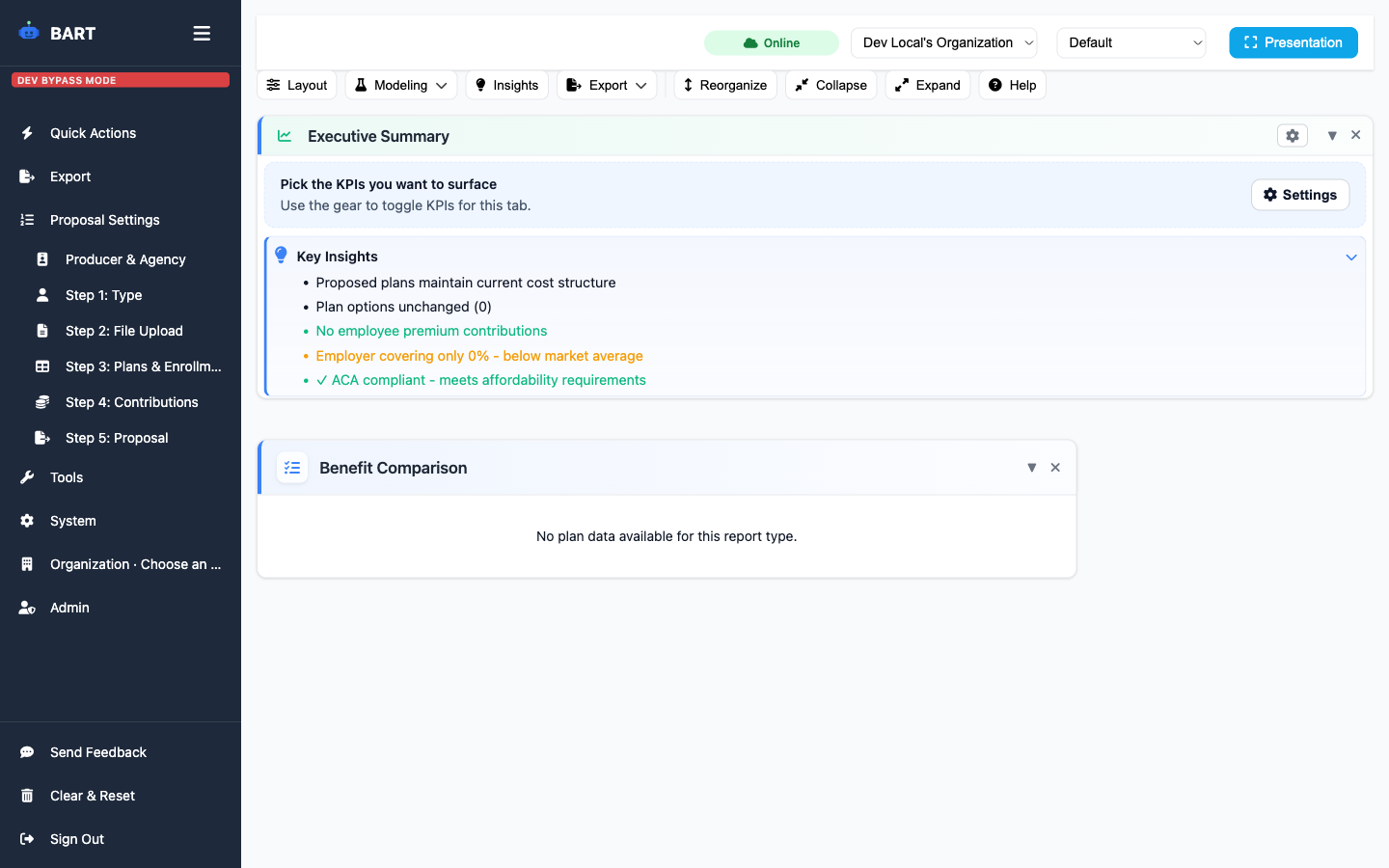
Step 1: Type
Choose the benefit type to tailor the workflow and validations.
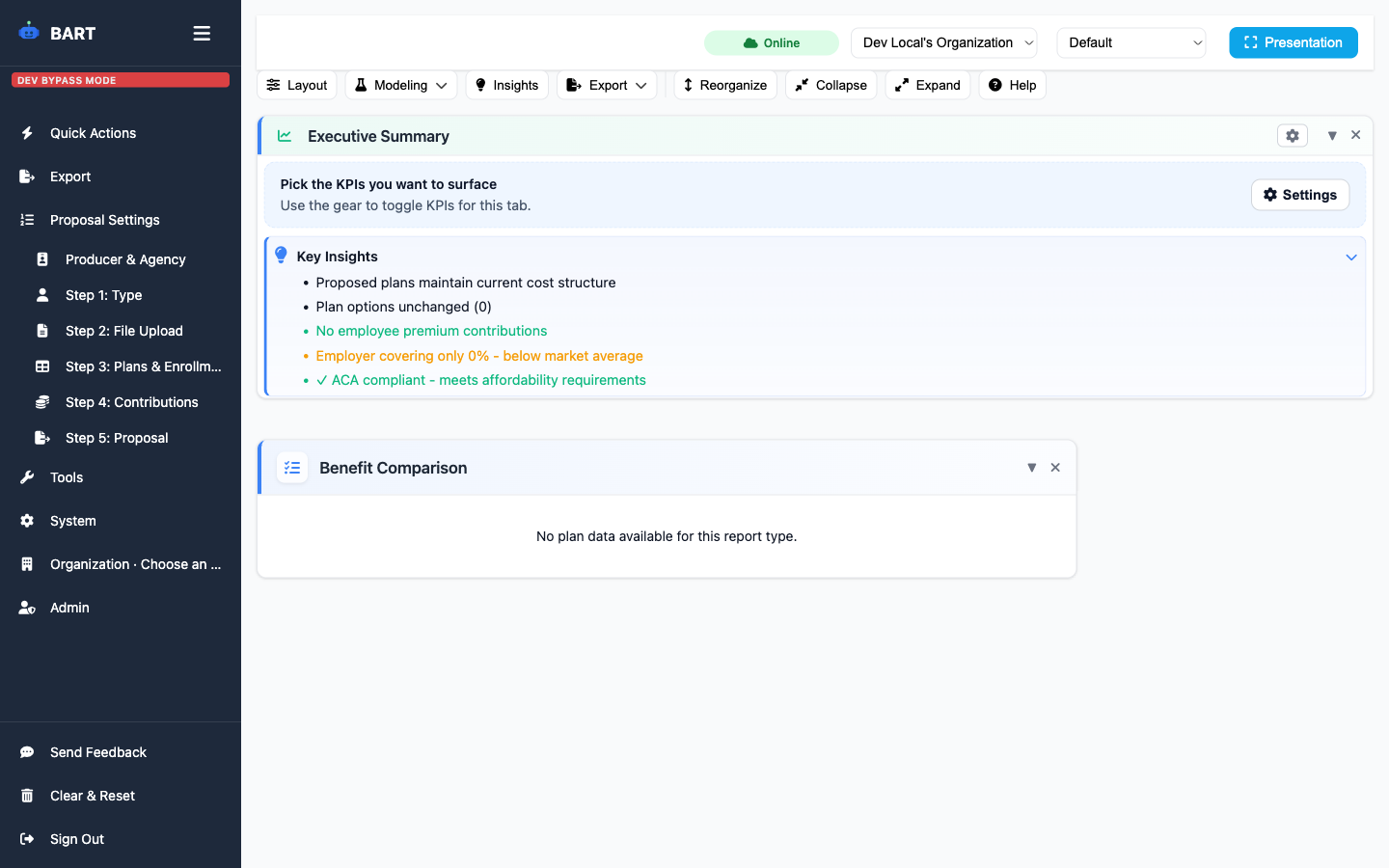
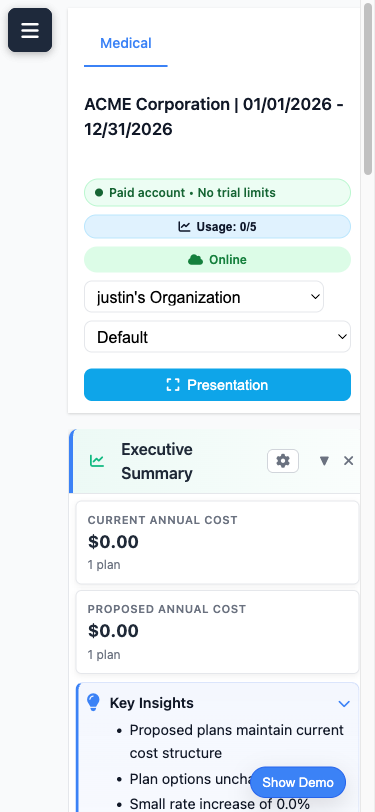
Present benefit proposals in a clean, full-screen view optimized for client meetings. No distractions, just data that sells.
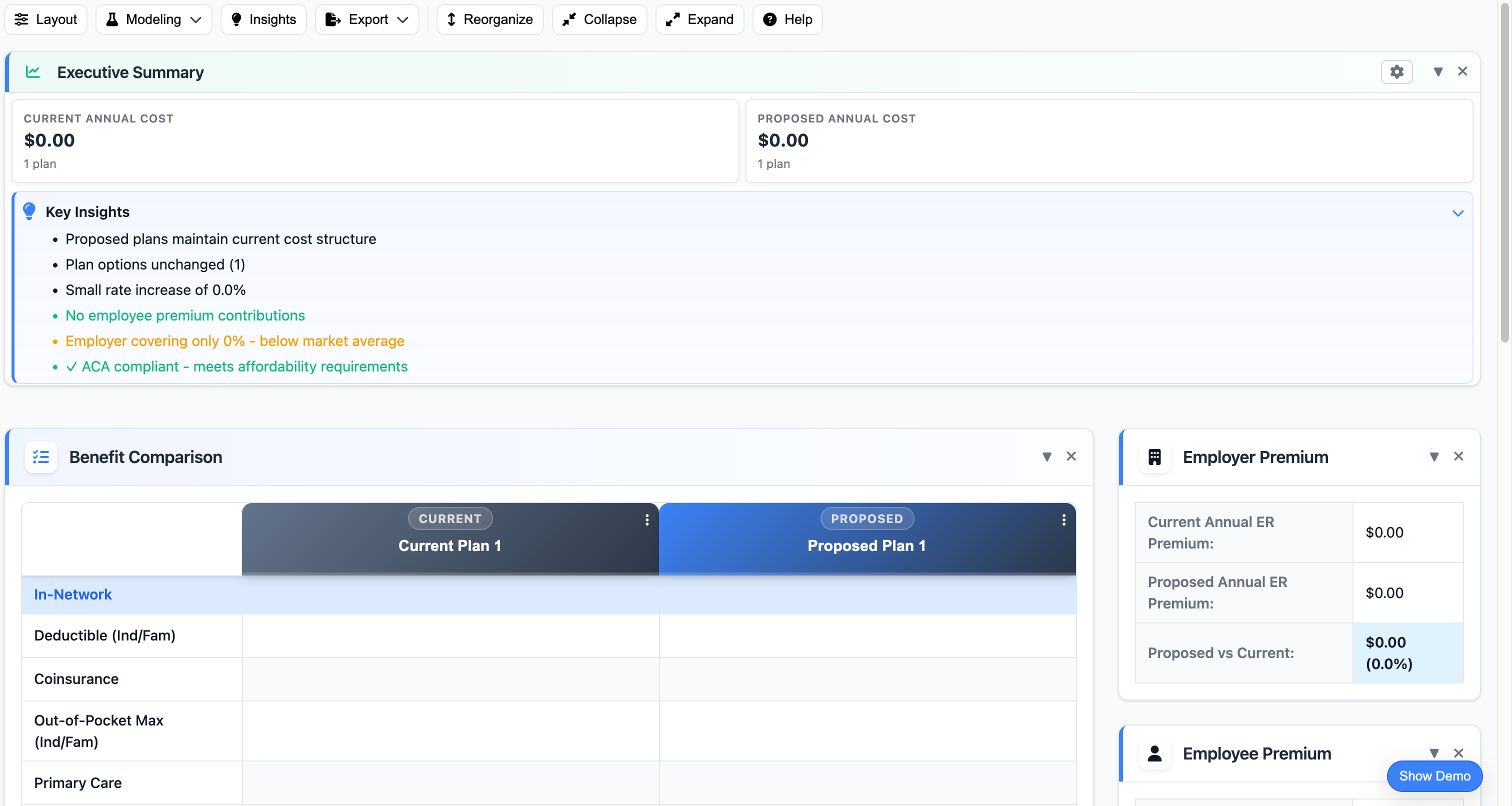
Hide the interface and show only your proposal data in a clean, distraction-free presentation.
Professional appearance that makes your proposals look polished during live client meetings.
Switch between editing and presentation mode instantly with a single button click.
Perfect for Zoom, Teams, or in-person presentations—shows only what clients need to see.
Navigate between plan comparisons, executive summaries, and cost breakdowns while presenting.
Use keyboard shortcuts to navigate smoothly without fumbling with your mouse during presentations.
Mirror the 5-step wizard from intake to proposal.
Choose the benefit type to tailor the workflow and validations.
Import carrier files or census data to pre-fill plan details.
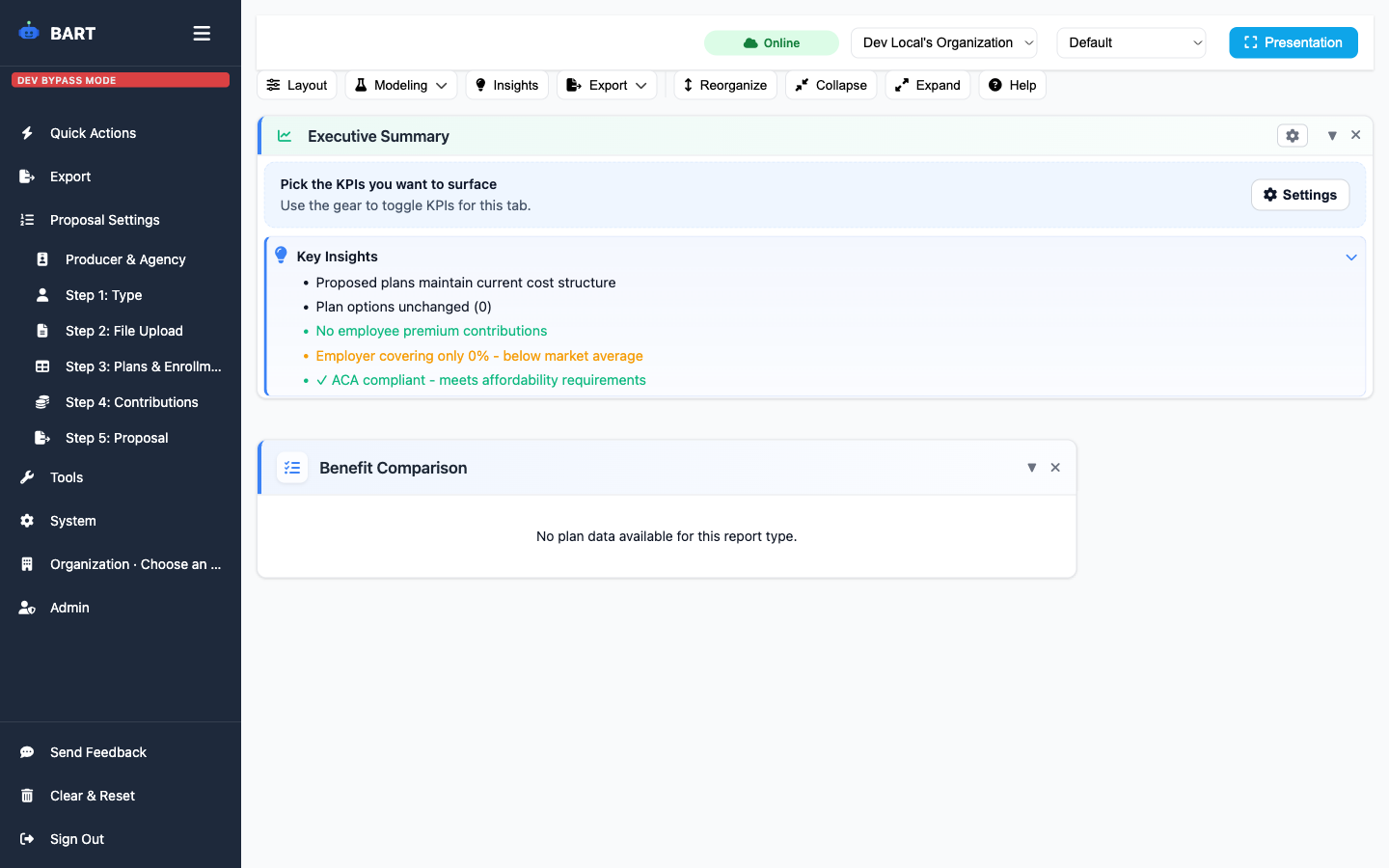
Map enrollments and rates, or copy from current plans.
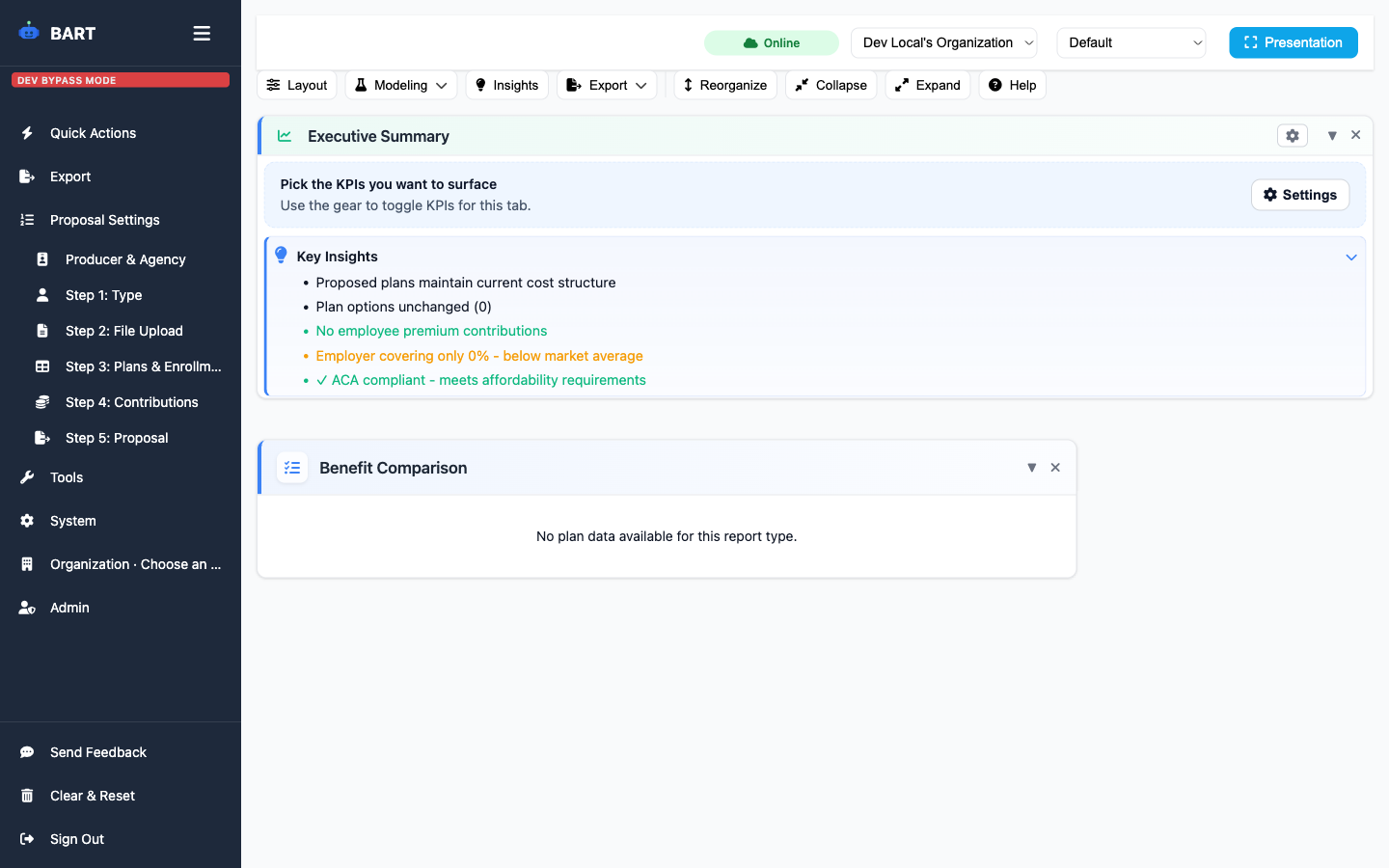
Set employer and employee contributions and preview impact.
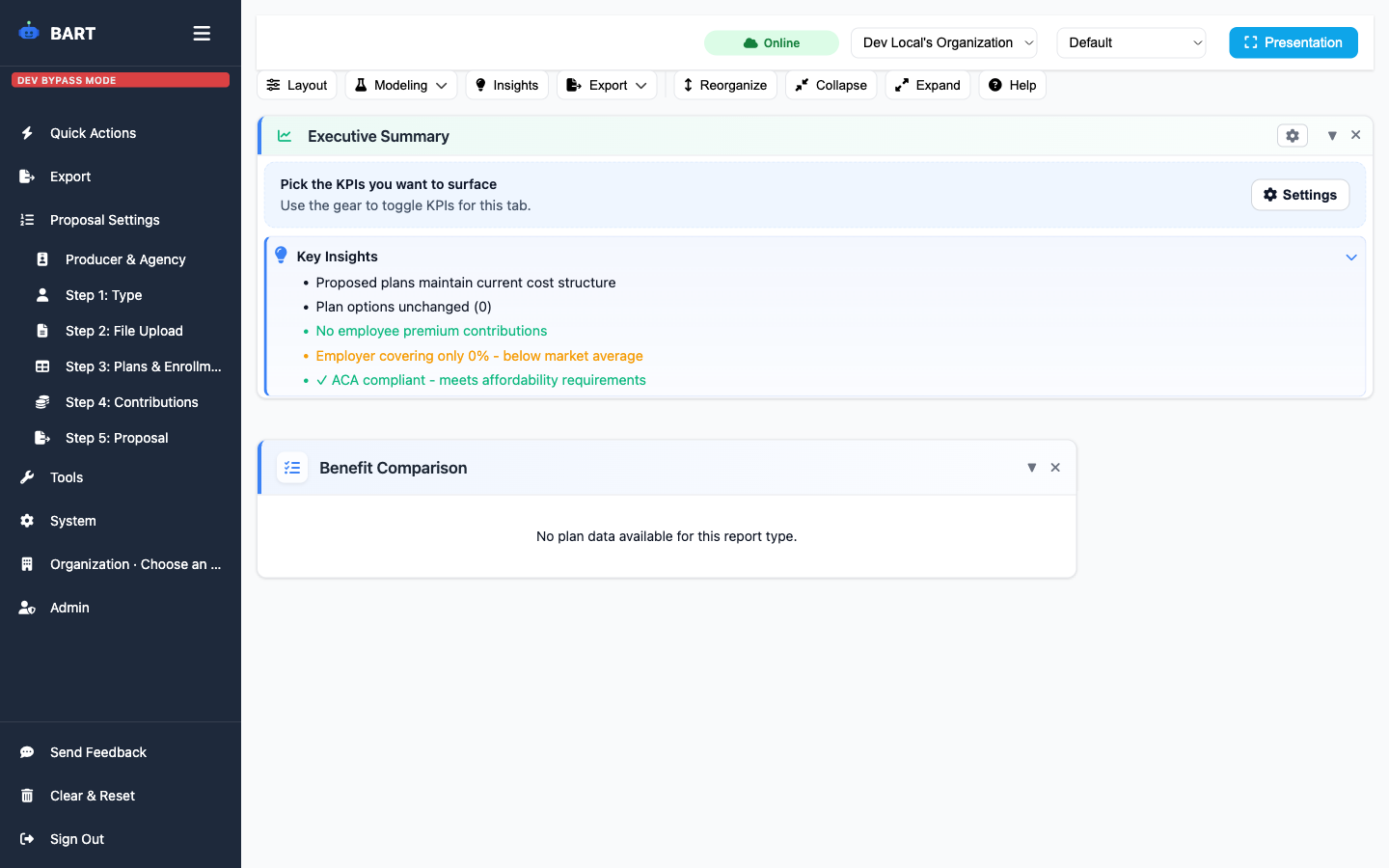
Generate the proposal and jump into presentation mode.
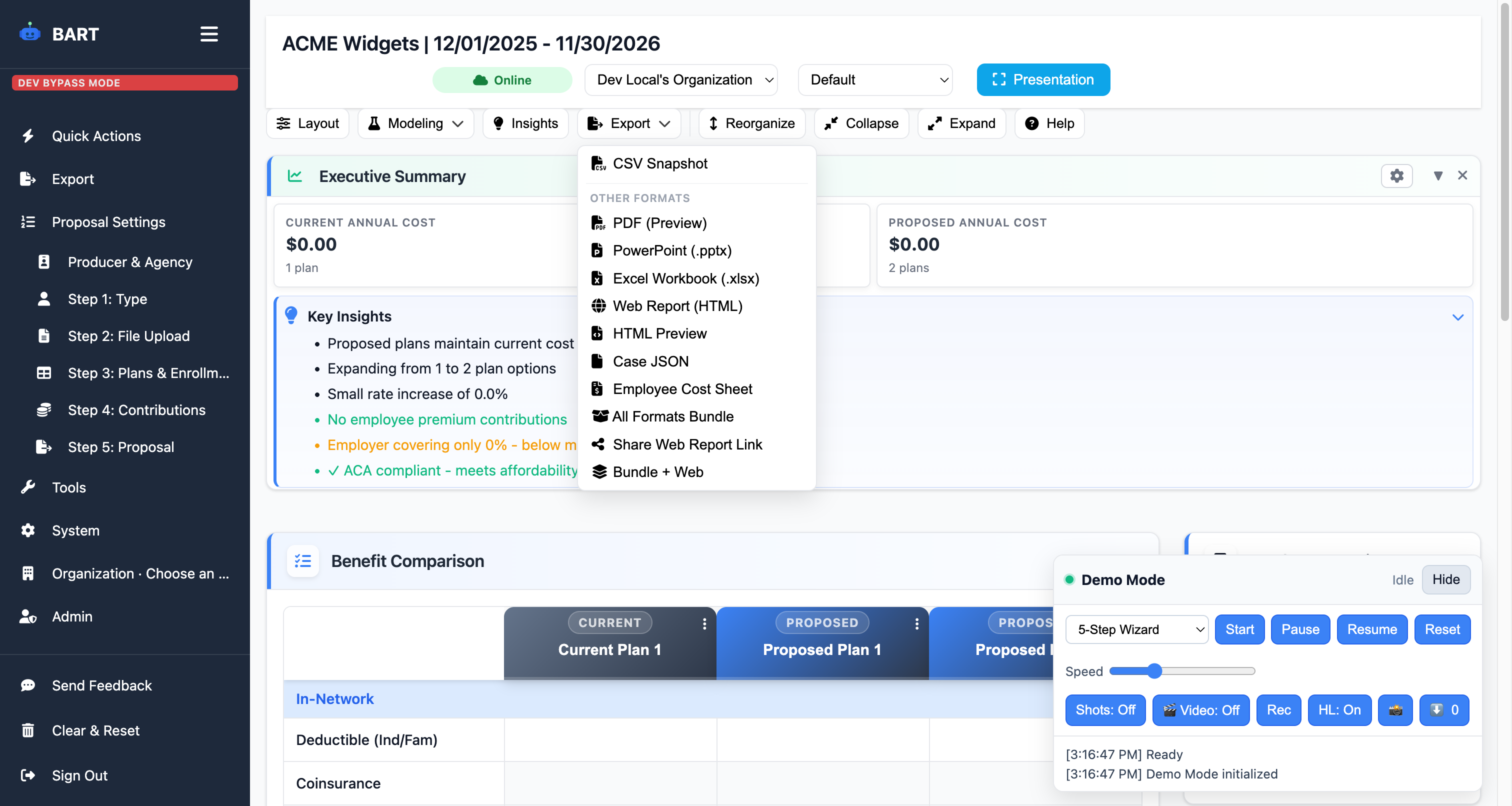
Jump between cases, uploads, and exports without breaking focus.
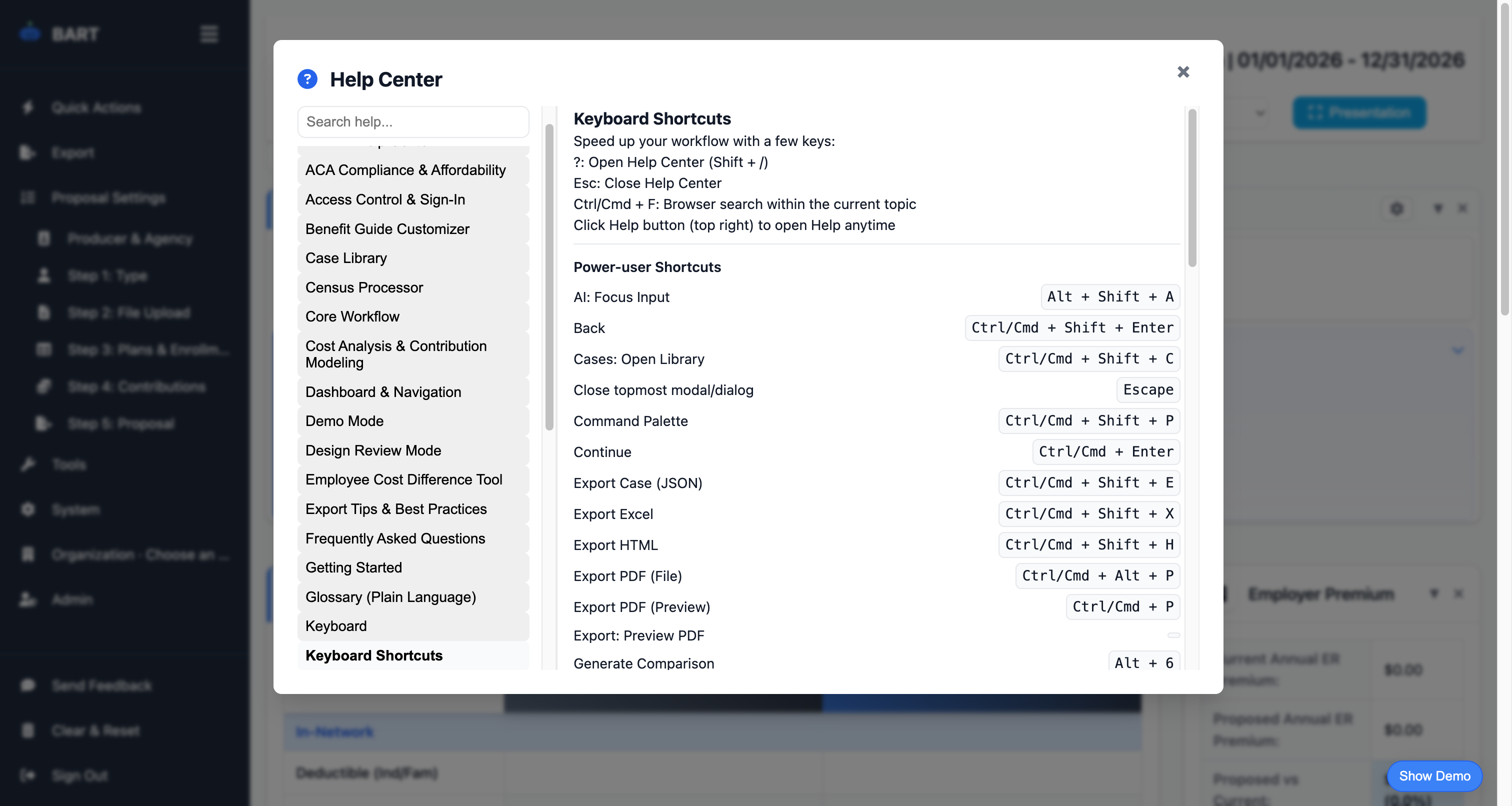
Stay in flow with command palette, export, and navigation shortcuts.

Send dashboards, PDFs, or spreadsheets straight from the toolbar.

Inline help center keeps guidance one click away.
Parsing, validation, and quality signals keep uploads reliable.
Smart Parsing
API parser for PDFs and docs with automatic structure detection.
CSV Fallback
Built-in CSV/TXT reader when external services are unnecessary.
Quality Signals
Header verification and confidence flags to catch issues early.
Coverage Check
Geography coverage status before committing exports.

Responsive layouts keep executive summaries, quick actions, and exports usable on the go.
Start your free proposal today and see the difference.
✓ No credit card required • ✓ Free during beta • ✓ Cancel anytime