How to Create Employee Benefit Guides That Actually Get Read
Stop creating benefit guides that collect dust. Learn how to build engaging, easy-to-navigate guides that employees actually use during open enrollment.
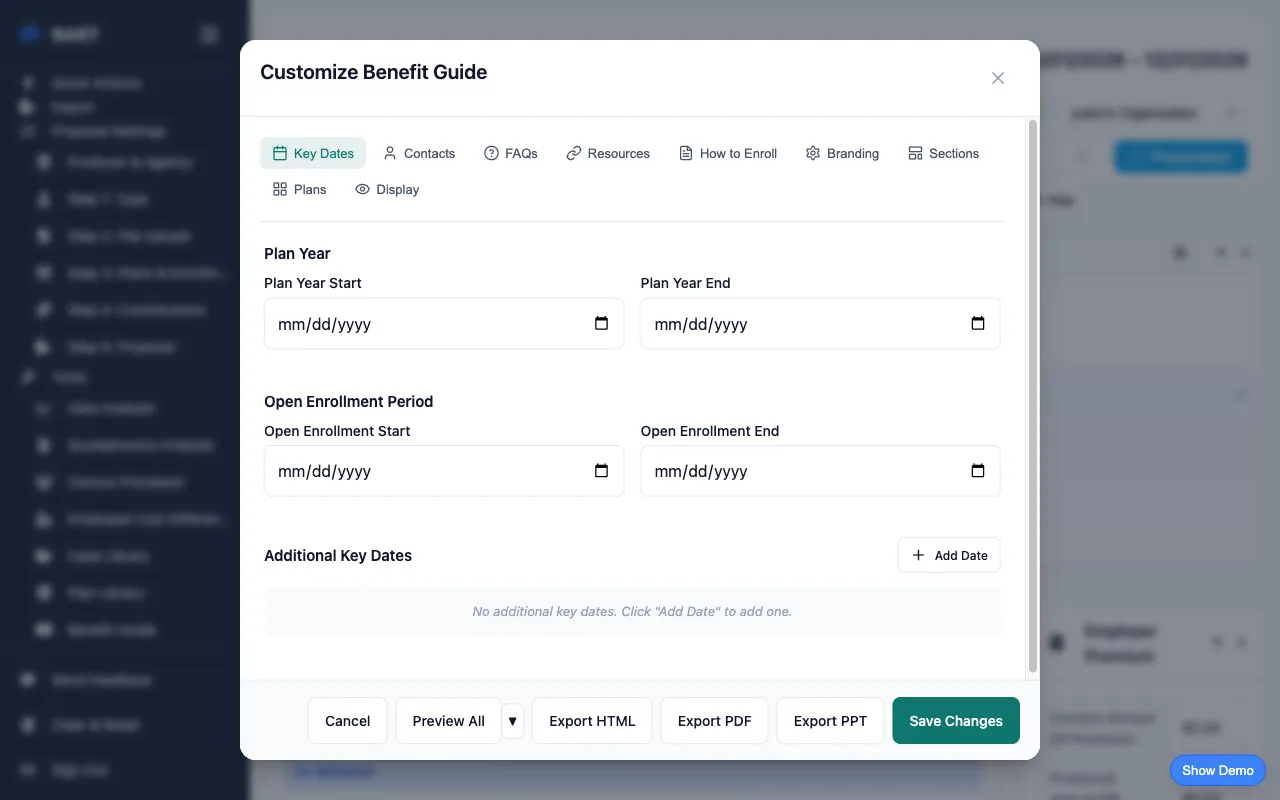
Why Most Employee Benefit Guides Fail
Every year, HR departments and benefits brokers spend hours creating benefit guides for open enrollment. And every year, employees ignore them, bombarding HR with the same questions the guide was supposed to answer.
The problem? Most benefit guides are:
- Too long - 50+ page PDFs that no one will read
- Too generic - Boilerplate content that doesn't address real questions
- Hard to navigate - No clear structure or way to find information
- Outdated quickly - Static documents that can't be easily updated
The solution is creating guides that are scannable, actionable, and accessible. Here's exactly how to do it.
Step 1: Set Up Your Branding
A professional, branded guide builds trust and makes information feel official. Employees are more likely to engage with content that looks polished.
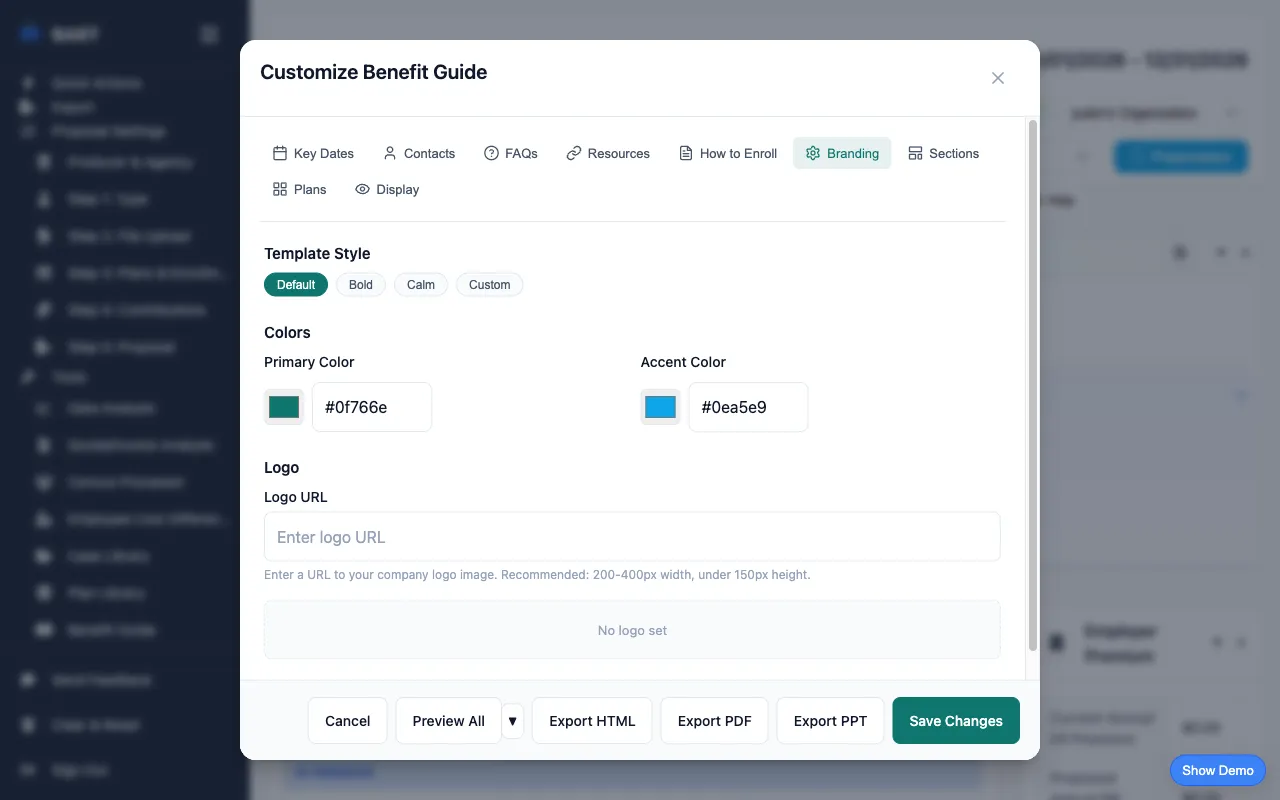
What to include:
- Company logo (your client's)
- Agency/broker logo (optional co-branding)
- Brand colors that match the company's identity
- Plan year dates prominently displayed
Step 2: Add Key Contacts
The #1 reason employees call HR during open enrollment? They don't know who to contact. Put this information front and center.
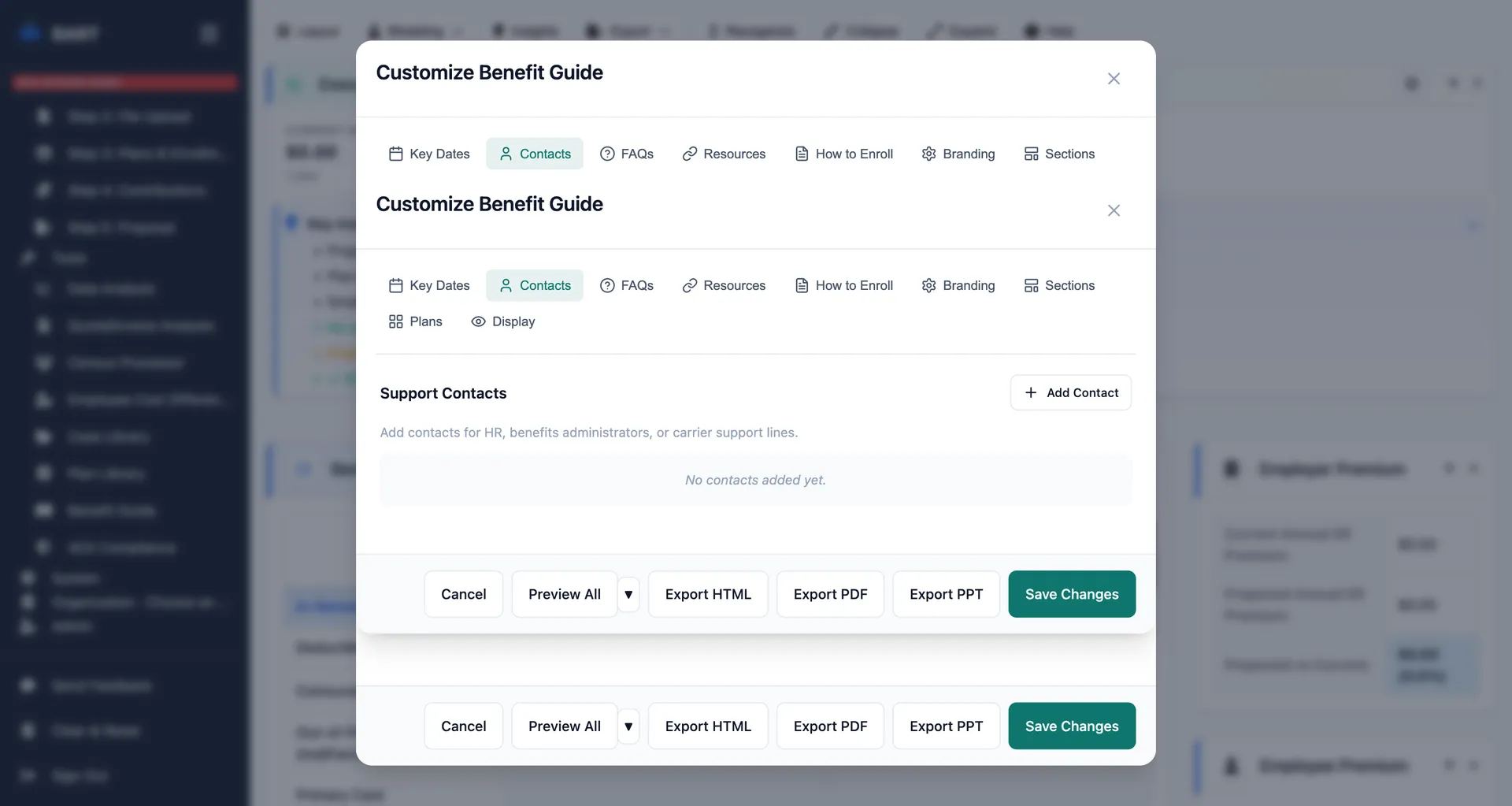
Essential contacts to include:
- HR benefits contact (name, email, phone)
- Benefits broker contact information
- Carrier customer service numbers for each plan
- Links to carrier member portals
Step 3: Create Your FAQ Section
A well-crafted FAQ section can reduce HR inquiries by 50% or more. Focus on the questions employees actually ask, not what you think they should ask.
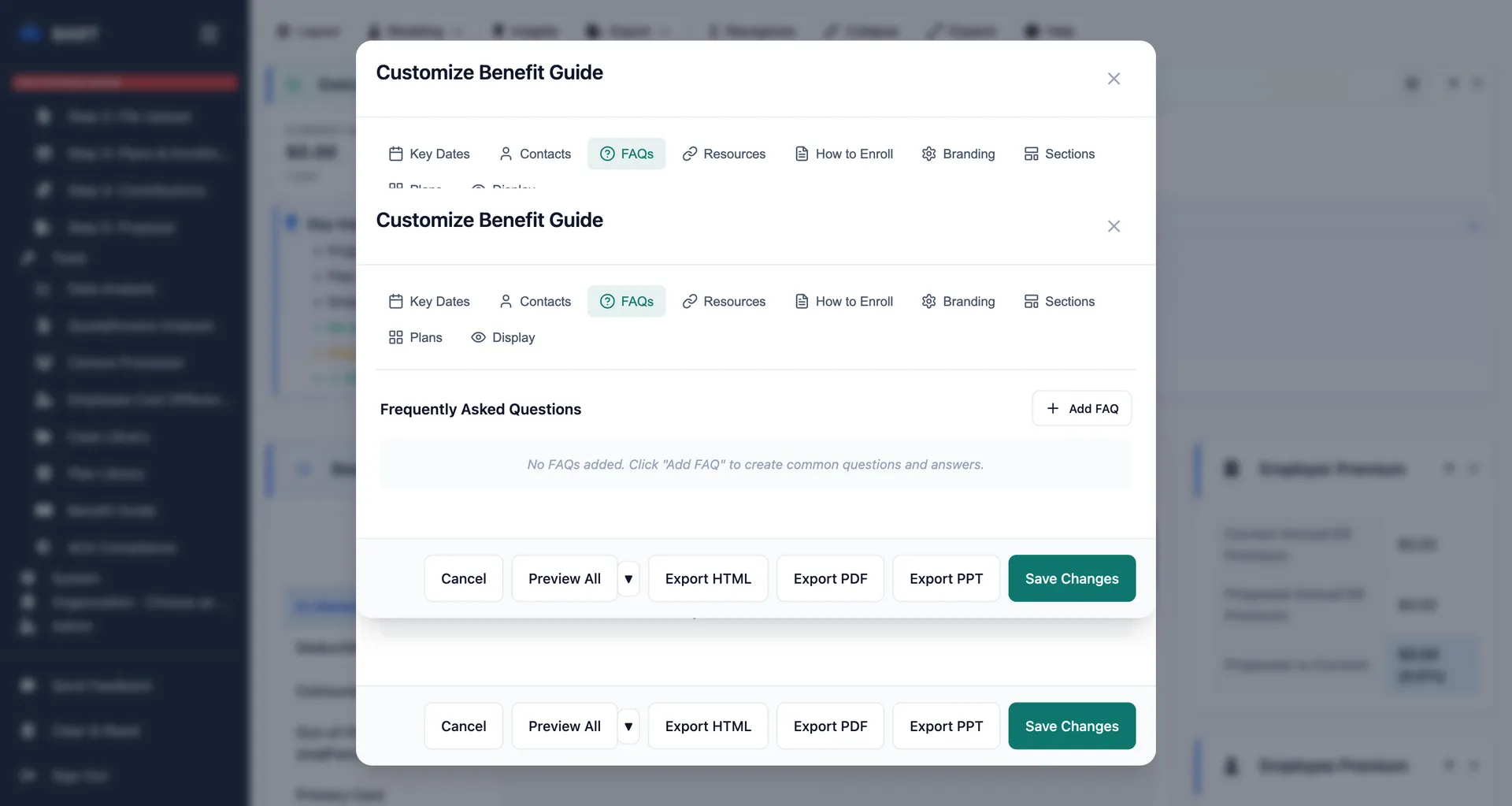
Top questions to answer:
- When is open enrollment and what are the deadlines?
- Who is eligible for benefits?
- Can I add/remove dependents?
- What happens if I miss the enrollment deadline?
- When do coverage changes take effect?
- How do I find in-network providers?
- What's the difference between the plan options?
Step 4: Add Resources and Links
Don't make employees hunt for information. Provide direct links to everything they might need.
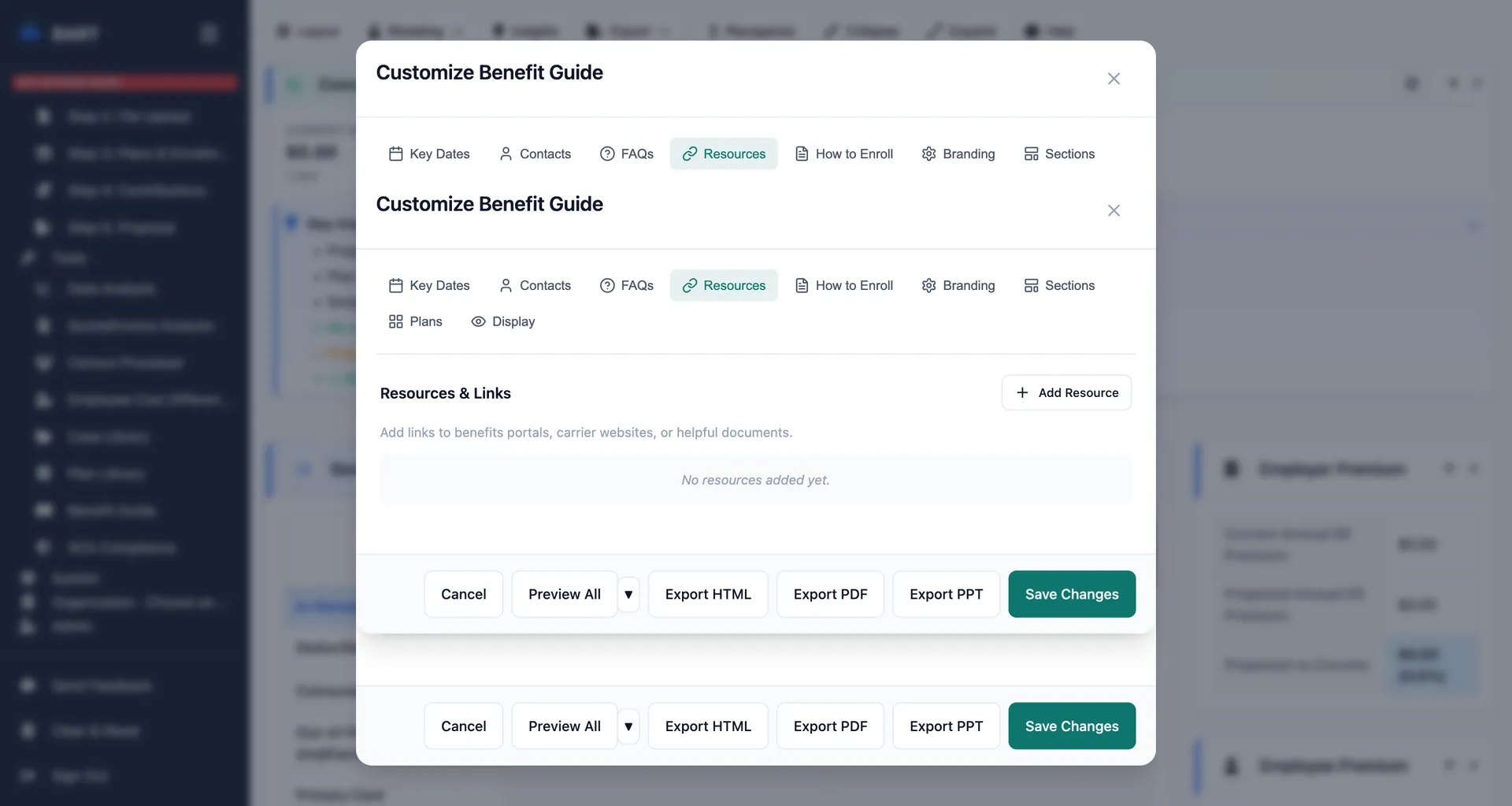
Resources to include:
- Links to carrier member portals
- Provider search tools for each network
- Enrollment system login URL
- Downloadable forms (if applicable)
- Summary of Benefits and Coverage (SBC) documents
- Pharmacy formulary links
Step 5: Write Clear Enrollment Instructions
The enrollment process should be broken down into simple, numbered steps. Assume employees have never enrolled before.
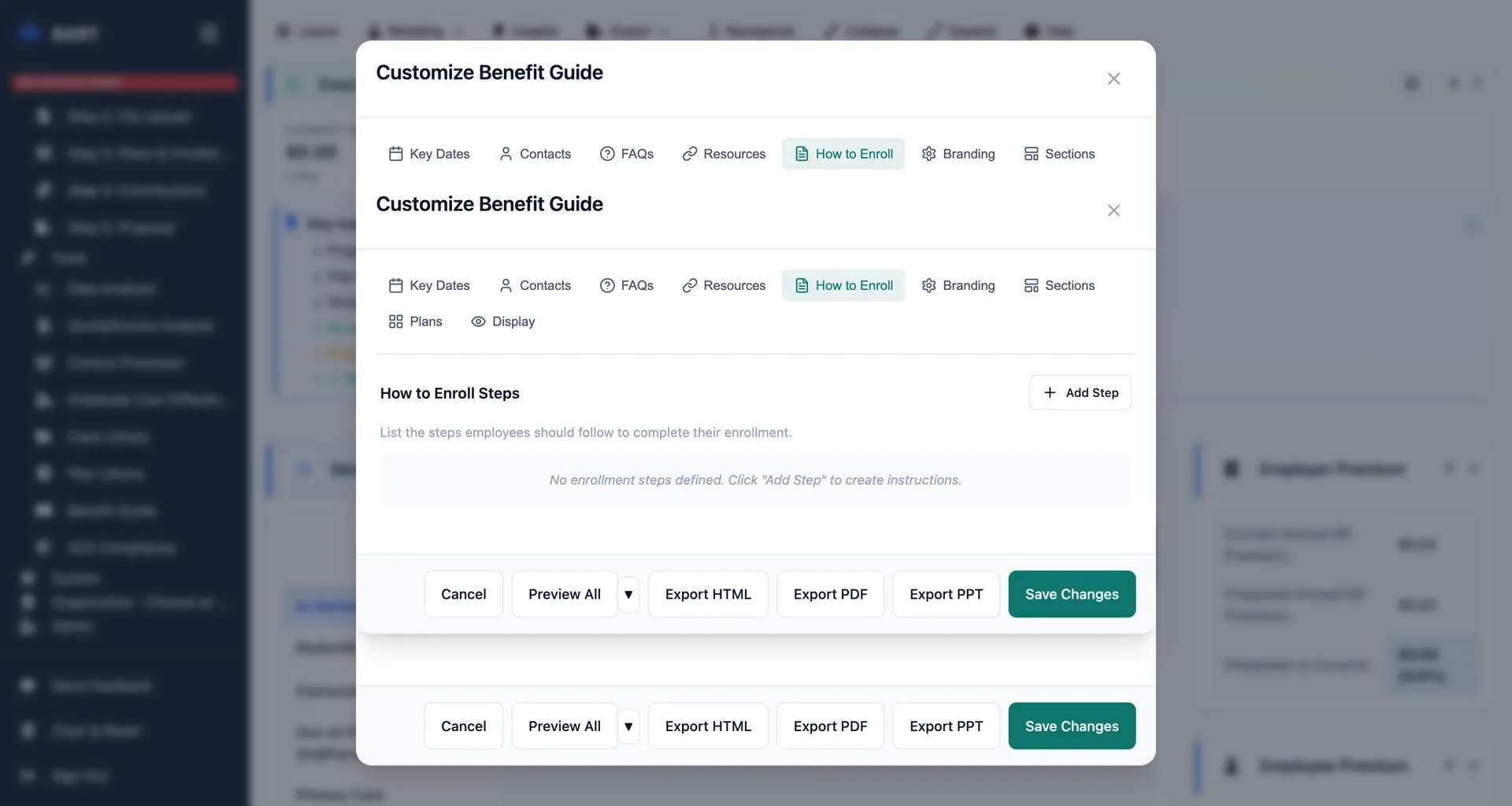
Enrollment section should include:
- Step-by-step enrollment instructions with screenshots
- Information needed before starting (SSNs, dependent DOBs, etc.)
- How to access the enrollment system
- What to do if you have technical issues
- Confirmation of successful enrollment
Step 6: Choose Your Display and Export Format
The best benefit guides are accessible in multiple formats. Different employees prefer different ways to consume information.
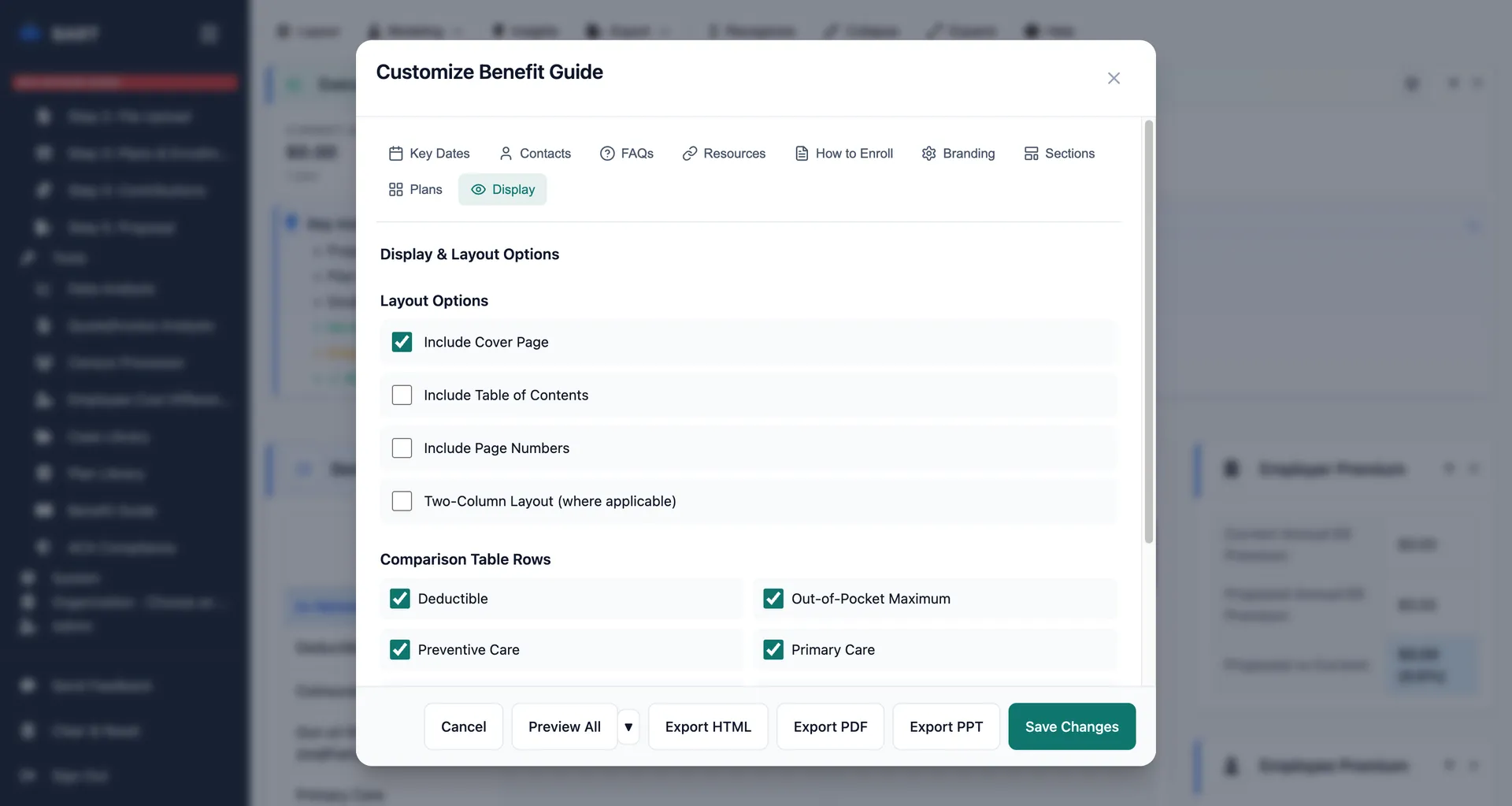
Format options to consider:
- Interactive HTML - Best for online viewing, searchable, mobile-friendly
- PDF - Good for printing and email attachments
- PowerPoint - Perfect for benefits meetings and presentations
Pro Tip: Go Digital First
Interactive HTML guides get 3x more engagement than PDF-only guides. Employees can search, click links, and access on any device. Save PDFs for those who specifically request printable versions.
Benefit Guide Checklist
Before publishing your guide, make sure you've included:
- Company branding (logo, colors)
- Plan year dates and enrollment deadlines
- Contact information (HR, broker, carriers)
- Plan comparison summary
- Employee cost breakdown by tier
- FAQ section (at least 10 questions)
- Resource links and carrier portals
- Step-by-step enrollment instructions
Create Benefit Guides in Minutes
BART's Benefit Guide Generator lets you create professional, branded guides with all these sections built-in. No design skills required.
Common Mistakes to Avoid
1. Information Overload
Don't include every detail about every plan. Focus on what employees need to make decisions and take action. Link to detailed documents for those who want more.
2. Jargon and Insurance-Speak
Write in plain English. Instead of "Summary Plan Description," say "Plan Details." Instead of "coinsurance," explain "the percentage you pay after meeting your deductible."
3. Missing Mobile Optimization
More than 60% of employees will view your guide on their phone. Make sure your format works on mobile devices.
4. No Clear Call to Action
Every page should make it clear what employees should do next. "Enroll by December 15" should be visible everywhere.
Conclusion
A great benefit guide isn't about being comprehensive—it's about being useful. Focus on the information employees actually need, make it easy to find, and provide it in formats they'll actually use.
By following this guide, you'll create benefit communications that reduce HR inquiries, improve enrollment completion rates, and make open enrollment season less stressful for everyone.